A second life for your spare phone.
A little closer.
On your own network.
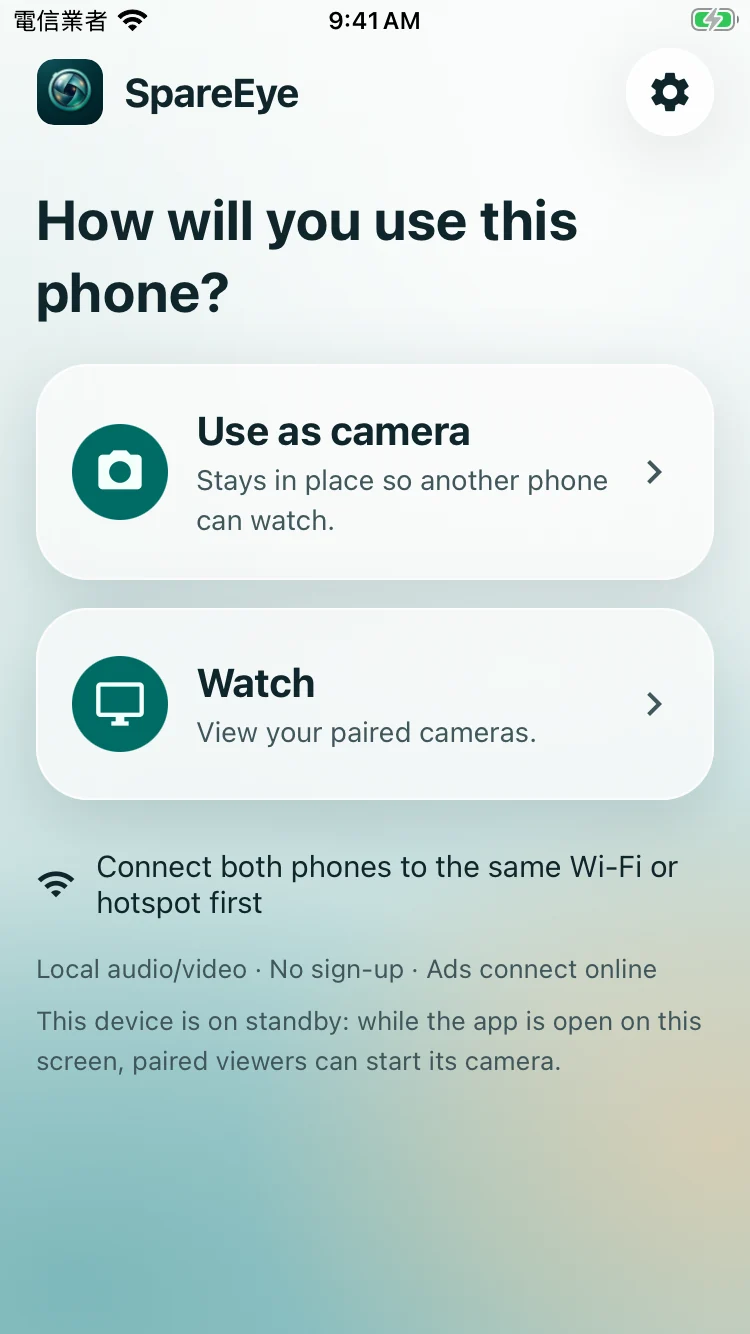
SpareEye (SE) is a free, simple local-network camera. One phone is the camera, the other is the viewer. Put the devices you already have to work at home, in a hotel or in the car.
- Core features are free
- No account needed
- Direct local media
MADE FOR EVERYDAY
A camera,
when you need one.
At home. A new job for an old phone.
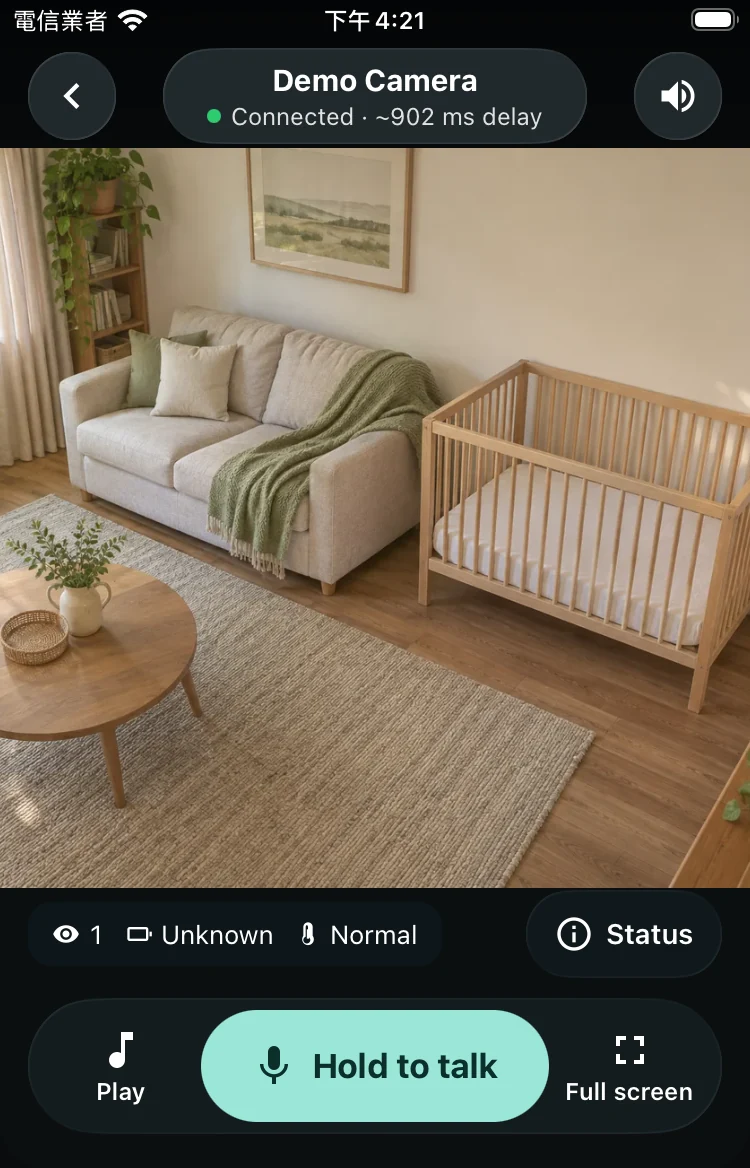
Set a supported spare phone on a stable stand and connect both devices to home Wi-Fi to view the room or pets. No separate camera to buy.
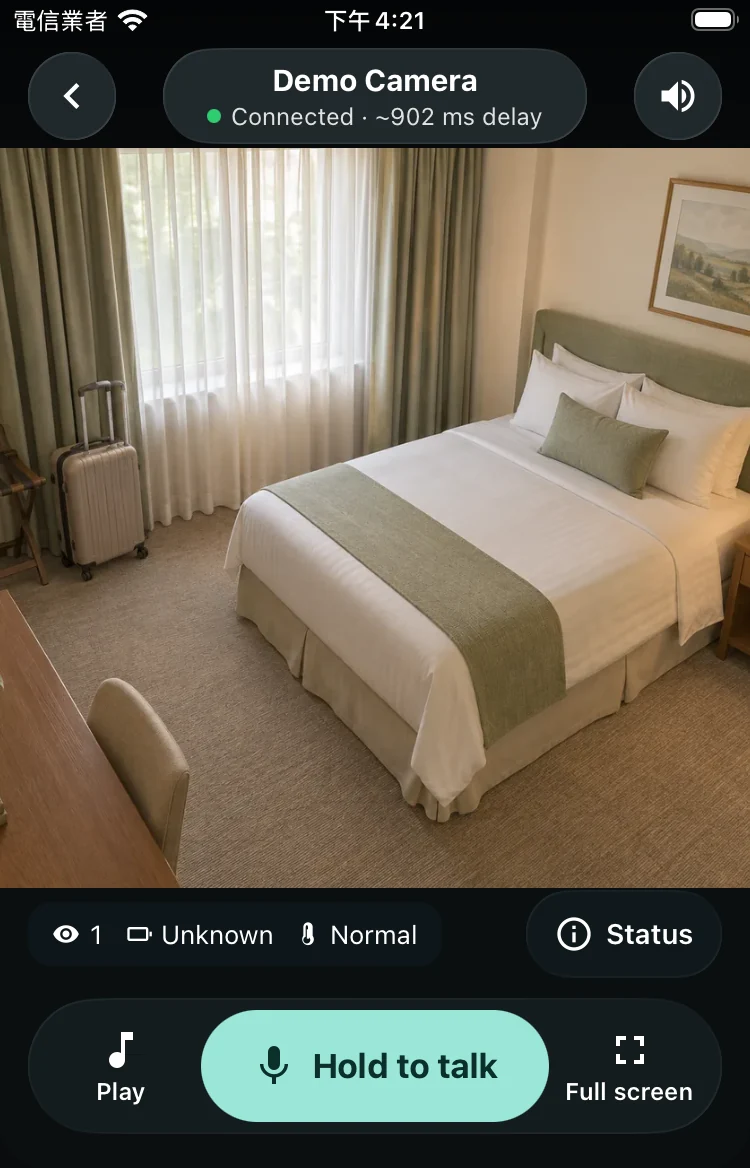
At a hotel. Ready for a short stay.
Join the same network. If hotel Wi-Fi blocks devices from reaching each other, use your own hotspot. Only monitor spaces you have permission to view.
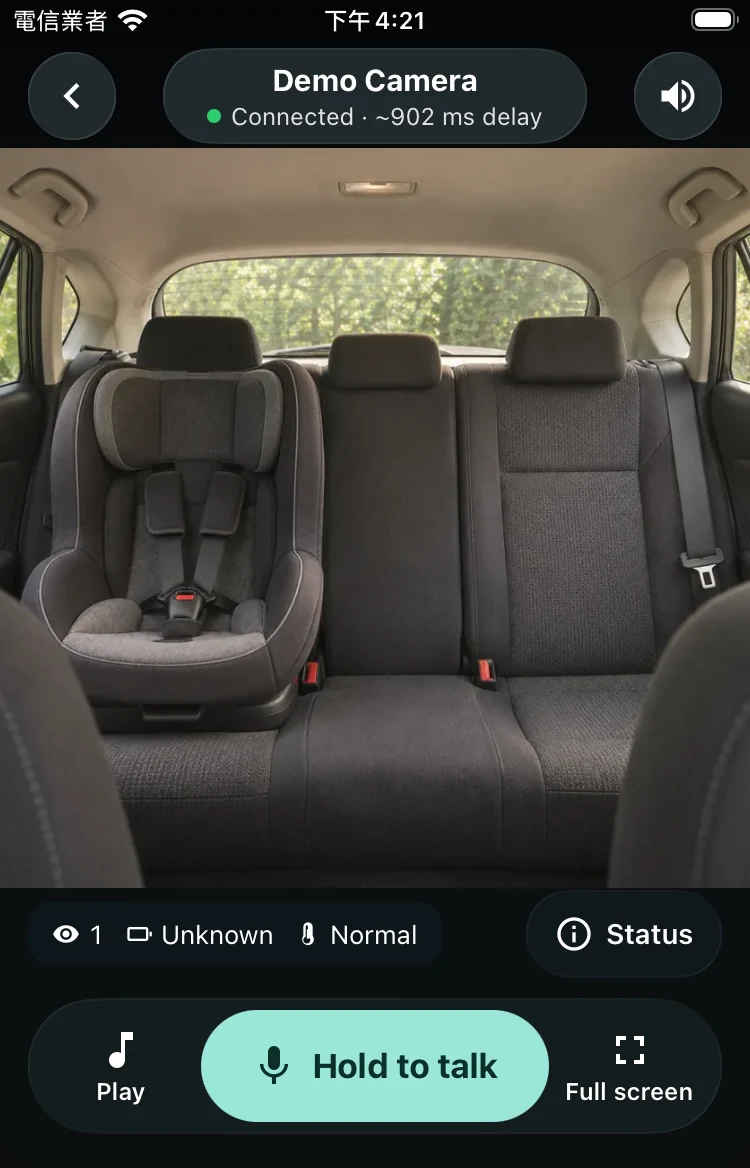
In the car. A passenger can check the back seat.
While parked, enable a hotspot, join it from the other phone and secure both devices. A passenger may watch the back seat. Drivers must not watch or operate it while driving; never leave a child alone in the car.
SAFETY COMES FIRST
Your local network.
Your choice to connect.
No cloud media
Paired devices send media directly over the local network, without cloud media storage or a remote media relay. Fewer network hops; actual delay depends on devices and network.
Pair before viewing
The first connection needs pairing. Enter the viewer’s six-digit code on the camera, accepting only devices you recognize. The code expires after successful pairing.
Encrypted media, signed commands
Media uses DTLS-SRTP. Control commands are signed and checked for replay. Some local negotiation and status data use HTTP; names and connection information are not hidden by encryption.
Use your own Wi-Fi or a hotspot with a strong password. A local network is not a safety guarantee. Services such as ads connect separately to the internet; see the privacy policy. Privacy ↗
SpareEye · 01—04
Two phones. Four steps.
- 01
Join the same network
- 02
Choose camera and viewer
- 03
Find the camera and pair
- 04
Open the view and check

Use what you have.
See a little more.
Download links will appear here after release. Core features and sounds are free; the current version includes ads.
Android phones & tablets
Android 7.0+
API 24iPhone & iPad
iOS / iPadOS 16.4+
Apple silicon Mac
macOS 13.3+
M1 or later · iPad appCurrent 0.5.8 candidate minimums. Mac is the corresponding system baseline; a higher store requirement takes precedence. No Windows app, Intel Mac support or browser viewer.
Full device requirementsFAQ
A few things you may be wondering.
Why can’t I connect?
Update both devices to the same latest available version. Check the camera is on, the network allows communication, and camera/local-network permissions are allowed. Move closer to the router, foreground the app and reconnect Wi-Fi or hotspot. Try scanning the camera QR code if discovery fails. If needed, copy diagnostics, remove names, addresses and anything private, and email support; never send pairing codes.
More answers in the guideWhy does hotel Wi-Fi fail?
In a hotel: try the same Wi-Fi first. If discovery or connection fails, guest isolation may be the cause; use your own hotspot with a strong password. Point the camera only at areas you may lawfully monitor, not corridors, nearby rooms or others’ private spaces.
More answers in the guideCan I use a hotspot?
Yes. Share a personal hotspot, join it from the other device, then pair; no separate router is needed. Media stays local, but ads and other services may use mobile data. Device, carrier or power-saving settings may limit hotspot communication, so not every combination will work. Keep the devices close and test before extended use.
More answers in the guideDoes it record or store media?
There is no built-in recording, media upload or cloud replay. We cannot retrieve footage missed during a disconnection. The OS, screenshots or other software may still capture media; SpareEye cannot prevent that. Pair only with devices you trust.
More answers in the guide